01 · Streaming & music
Get back to your favorite stories
Choose a suitable location for services such as Netflix, Disney+, YouTube or Spotify. Catalogs, quality and subscriptions are managed by each platform, not by a network plan.
SakuraCat
From streaming and AI tools to academic research, explore how SakuraCat works, which devices it supports, and everything you need to get connected.

Coverage & devices
We offer five server locations in our standard plan and up to 26 in our advanced tier. Availability, route types and pricing depend on your subscription.
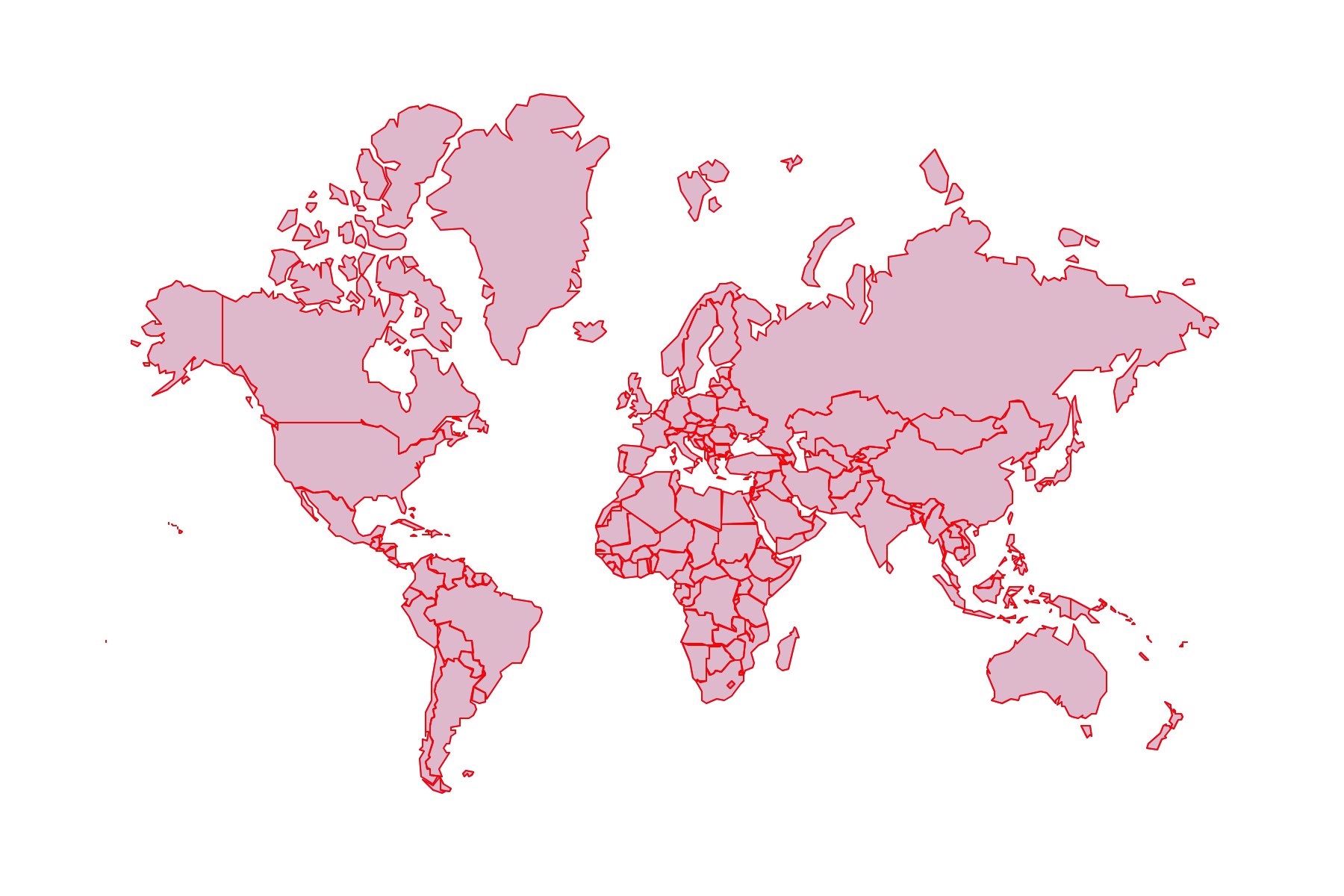
5 regions · subject to plan
Illustrative regions · subject to plan
Up to 3 simultaneous devices (plan dependent)
Everyday possibilities
Choose a suitable location for services such as Netflix, Disney+, YouTube or Spotify. Catalogs, quality and subscriptions are managed by each platform, not by a network plan.
Use tools such as ChatGPT, Claude and Gemini for drafting, problem-solving and exploring concepts where their regional and account policies permit.
Find papers using Google Scholar or PubMed, and work with cloud collaboration tools. Paid journal and library access is a separate entitlement.
A little more technical
On eligible nodes, we route your traffic through a per-user IPv6 address – reducing shared-egress friction. This is not dedicated bandwidth and does not guarantee every request uses IPv6.
Dedicated egress · where supported
Pick your device
Get started on any platform in minutes. Download from our official channels and follow the steps for your device.
Desktop installer, proxy and first connection
Apple silicon and Intel installation notes
Phones, tablets and Android TV
Check TestFlight and current official availability
x86_64 compatibility and AppImage permissions
Confirm actual supported methods first
Good to know
SakuraCat supports Windows, macOS, Android and Linux. For the latest iOS / iPadOS release and beta details, check our iOS guide page.
No. It depends on the selected node, routing and IPv6 support. Allocation alone does not guarantee each request uses that address.
We support up to three concurrent devices on most plans. Check your account page for the exact limit on your subscription.
Visit the official SakuraCat channels to download clients for Windows, macOS, Android, iOS and other platforms.